
Yes, it is absolutely free of charge and does not require registration.

Color Picker
Pick any color and copy its HEX, RGB and HSL values. Preview tints and shades, or sample from your screen.
What the Color Picker Does
Choosing the proper color along with its code is not always that simple. Anyone who designs or programs needs an efficient way to get the HEX, RGB, and HSL code of a chosen color without opening a heavyweight graphics app. That is exactly what the Color Picker tool on Tool Flora offers.
How to Use the Color Picker
Using the tool takes just a few seconds:
- Go to the Color Picker page and click Choose a color to open the color selection window (you can also type a HEX code straight into the HEX field).
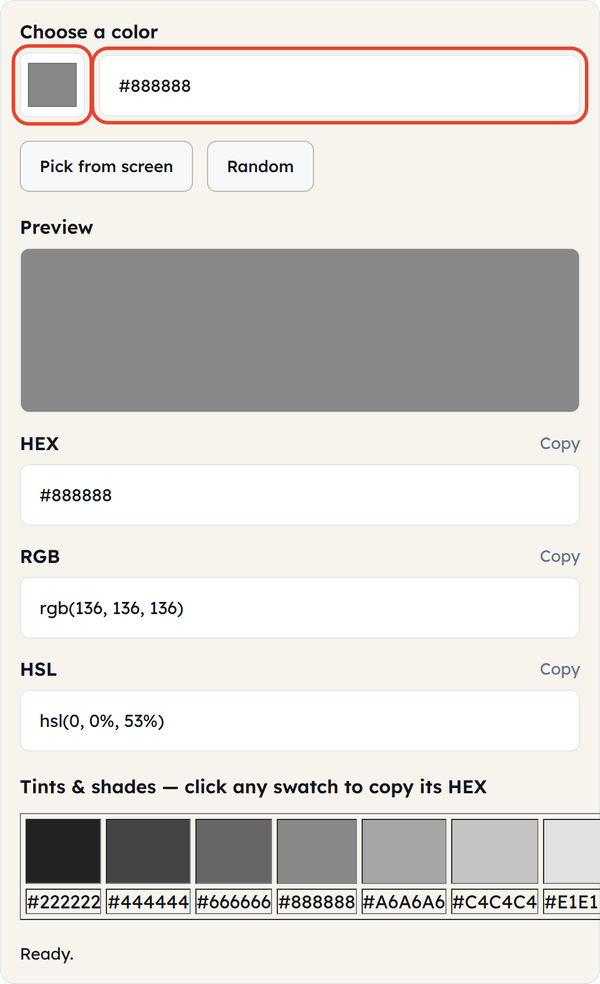
- Alternatively, click “Pick from screen” to pick up any color displayed on your monitor: images, applications, or even websites.
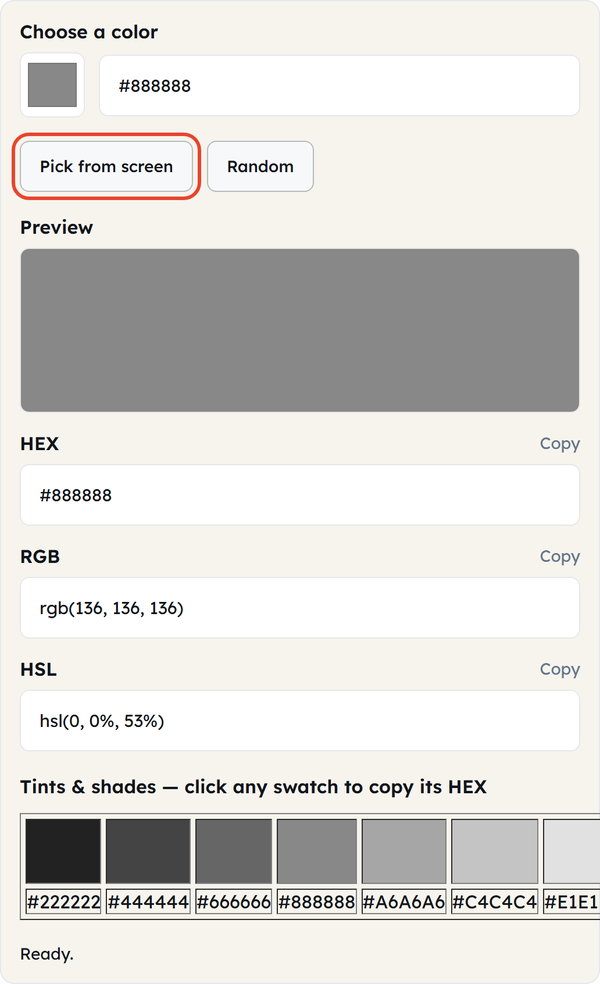
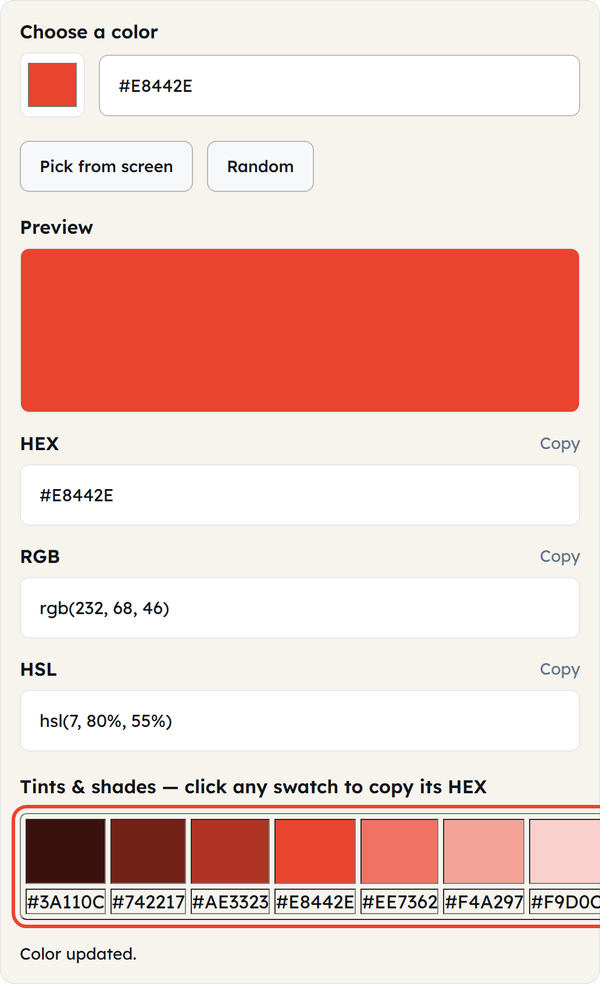
- As soon as you’ve chosen a color, the preview area gets updated automatically and shows you what the exact color looks like.
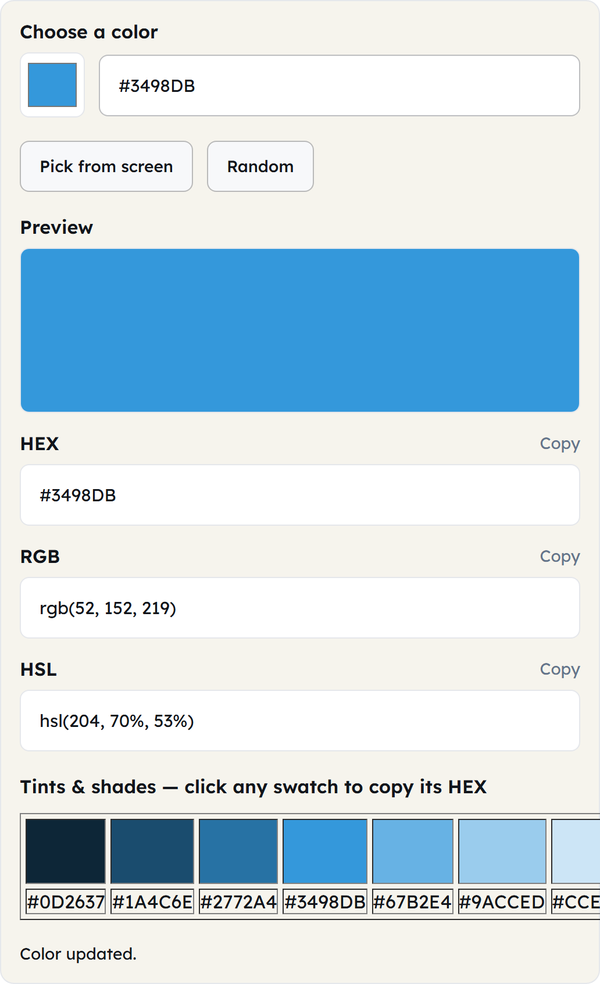
- The HEX, RGB, and HSL codes of your color are shown underneath the preview and have separate “Copy” buttons.
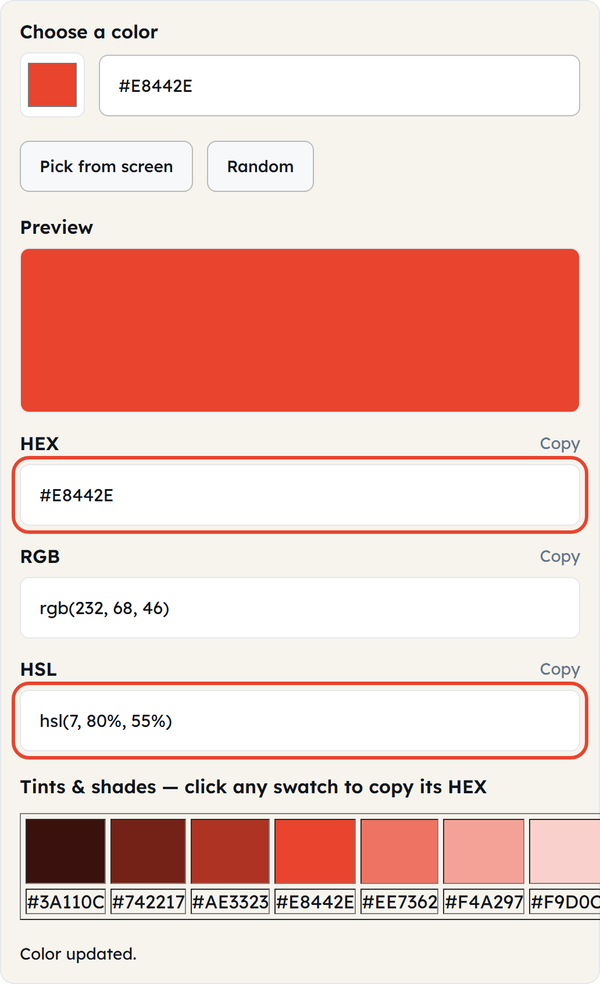
- Scroll down to the automatically generated Tints & shades of your color, and click any swatch to copy its HEX code.
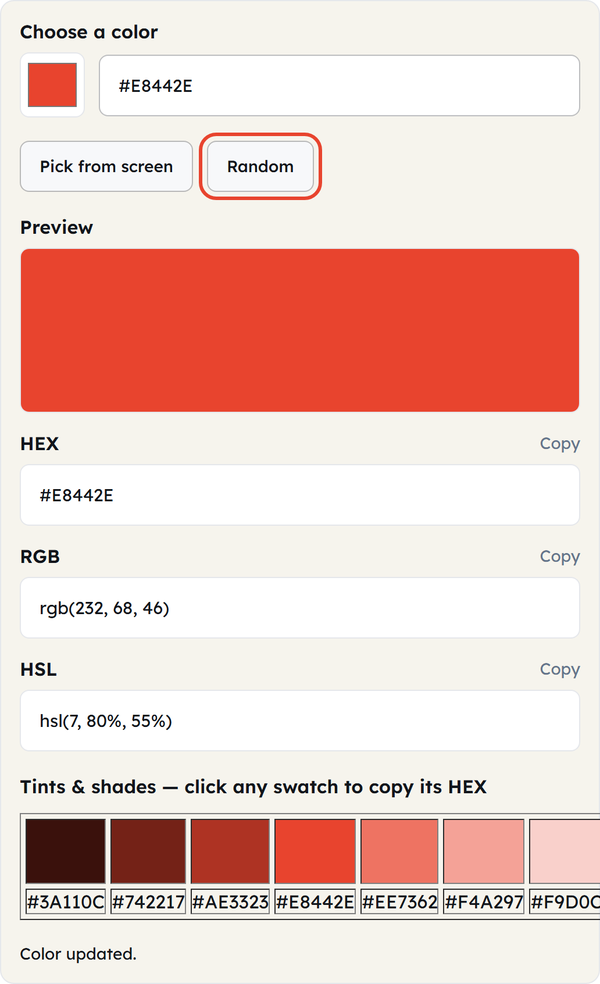
- Need inspiration? Click Random to load a random color and its codes.
No account registration, no installations, and there is no restriction on the number of colors you could check.
What Is a Color Picker?
A color picker is an online tool that lets you choose a color and receive it as a code computers and browsers understand. The three most common formats are:
HEX – a 6-digit code such as #3498DB, used in CSS and web design.
RGB – numbers of red, green and blue light (from 0 to 255).
HSL – hue, saturation, and lightness values that many designers prefer for their intuitiveness.
A color picker gives you the exact code of a color with no guesswork.
When You’d Use This
This tool proves quite useful in a number of situations:
- When developing a web page and requiring an exact hex value of the company’s brand colors in CSS.
- When trying to match the color found on an already existing logo, screenshot, or picture through the “Pick from screen” option.
- When developing a UI style guide and requiring consistent RGB or HSL values recorded.
- When experimenting with the tints and shades of the color in order to develop a design for buttons, backgrounds, or hover effects.
- When wanting to check out the appearance of a certain color quickly.
Do’s and Don’ts
Do:
- Use Pick from screen to match colors from pictures or other applications.
- Copy the HSL values when you plan to tweak lightness or saturation later.
- Keep a record of frequently used HEX values somewhere, such as a style guide.
Don’t:
- Rely only on how the color looks on your screen — monitors are calibrated differently, so always check the codes.
- Assume colors will look the same in print as on screen — the tool is built for screen design.
- Mix up RGB and HSL syntax when pasting codes into your CSS — the two have different structures.
Good to Know
This tool operates entirely in your browser and does not send any color data to a server. The Pick from screen feature uses your browser’s EyeDropper API, which is supported by modern Chromium browsers such as Chrome and Edge, but not by Firefox or Safari.
FAQ
Is the Color Picker tool available for free?
Can I pick a color from an image on my screen?
Yes, you can do this by choosing the “Pick from screen” feature.
What is the difference between HEX, RGB and HSL?
HEX is the hexadecimal code widely used in web design, RGB defines a color by red, green and blue light, and HSL describes it via hue, saturation and lightness.
Is this tool able to store the colors I picked?
No, it is run within the web browser and does not store or transfer your color selection in any way.
Can I get a random color for my project?
Yes, press the “Random” button to generate the color code automatically.
Related Tools

Gradient Generator
Build CSS gradients with live preview.
- 100% Free
- Customizable
- Download
- Unlimited

Box Shadow Generator
Design layered box shadows visually.
- 100% Free
- Customizable
- Download
- Unlimited

Border Radius Generator
Tune corner radii and copy ready CSS.
- 100% Free
- Customizable
- Download
- Unlimited

Contrast Checker
Check WCAG contrast between two colors.
- 100% Free
- Customizable
- Download
- Unlimited