
No. It matches plain text only. If your replacement depends on a pattern — any number, any email address — you need a dedicated regex tool.

Find and Replace
Find text and replace it with options for case and whole words.
Manually hunting down every instance of a word or phrase in a long block of text is slow, and it’s easy to miss one. Find and replace text in bulk instead: the Find and Replace tool scans your entire text and swaps every match in a single click, with options to control exactly what counts as a match.
No downloads, no sign-up, and no limit on how much text you can edit.
How to Use Find and Replace
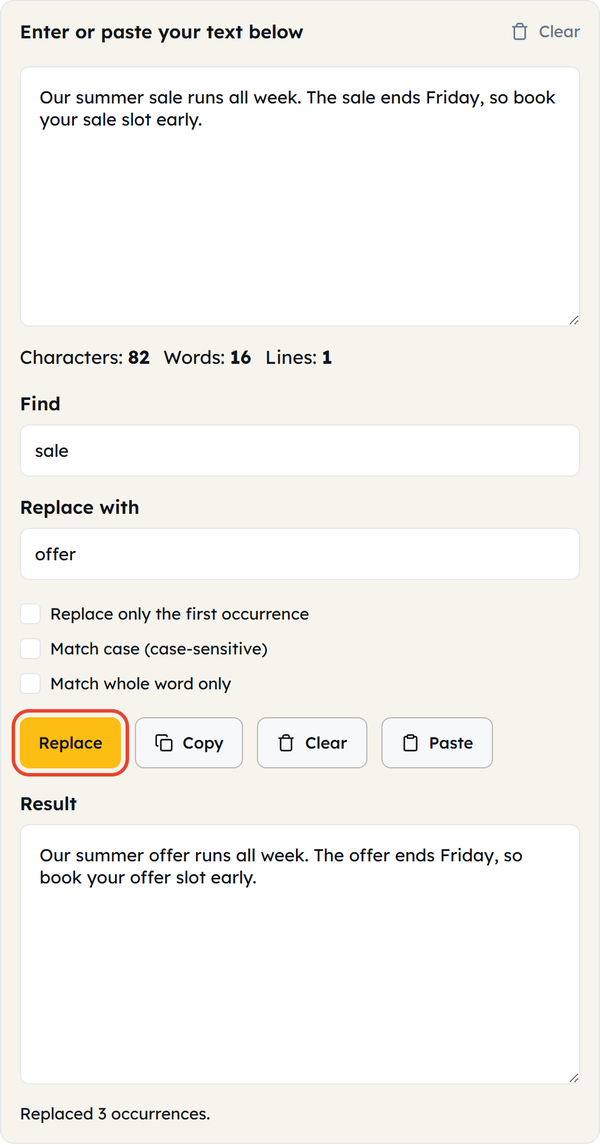
- Paste or type your text into the input box.
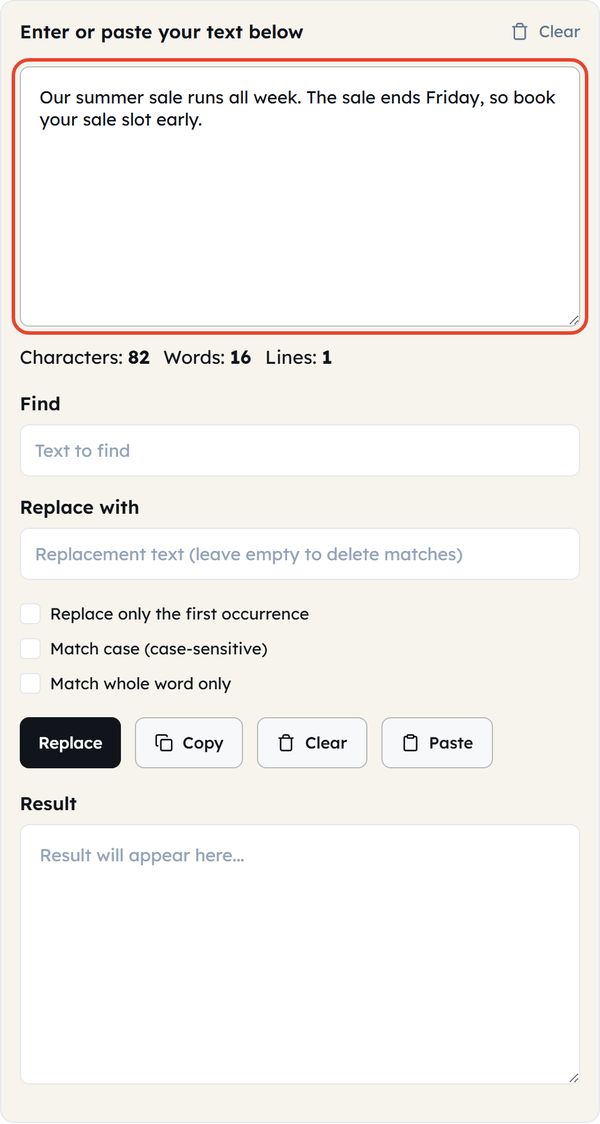
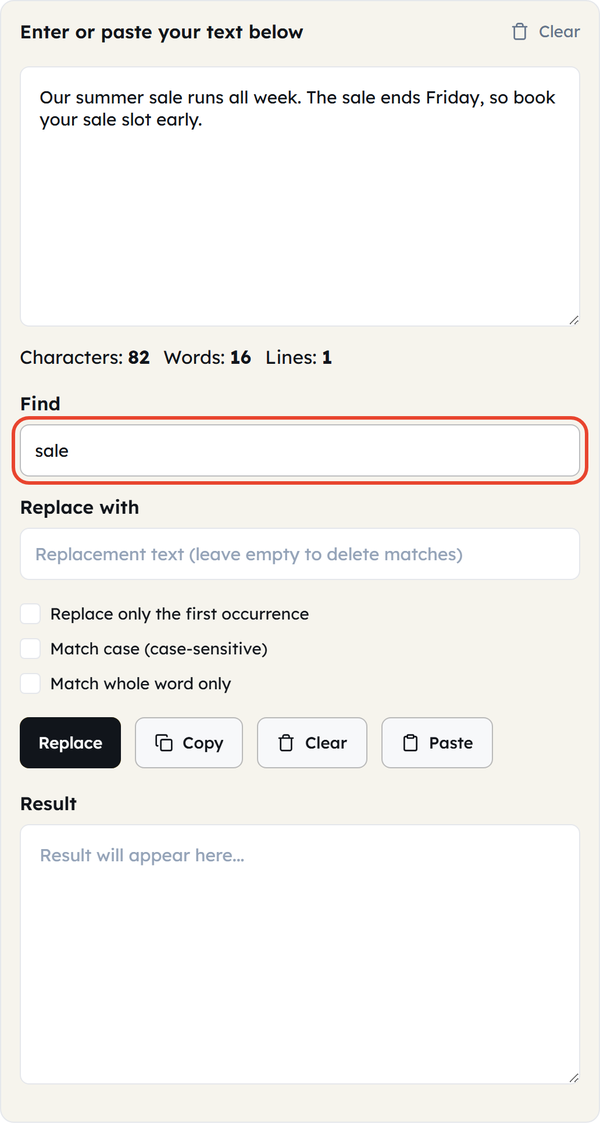
- Enter the word or phrase you’re looking for in the Find box.
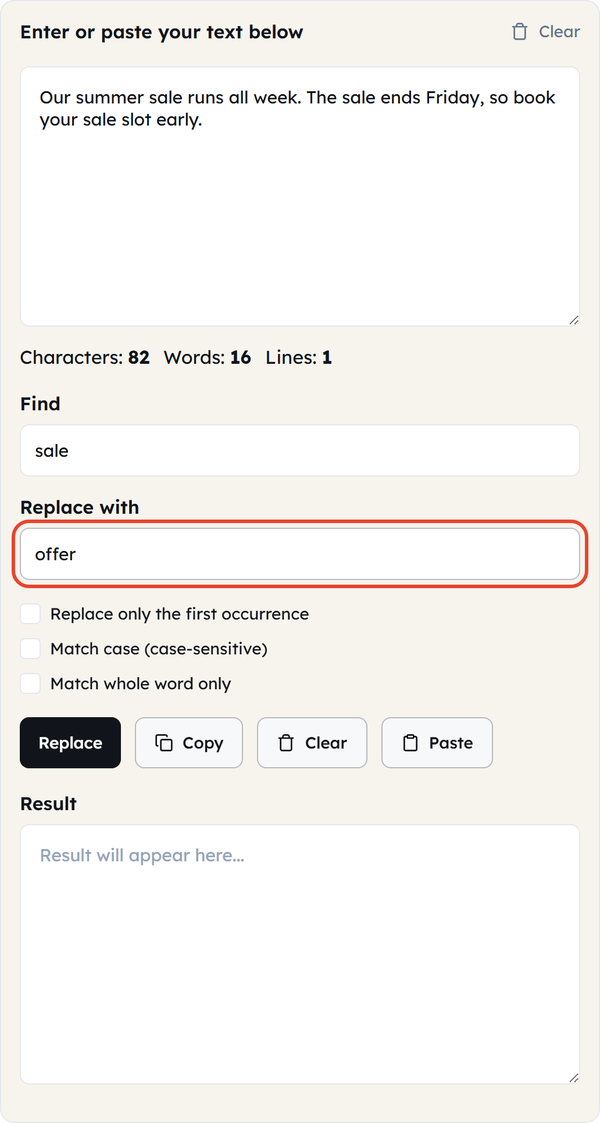
- Type the replacement into the Replace with field — leave it empty to delete every match.
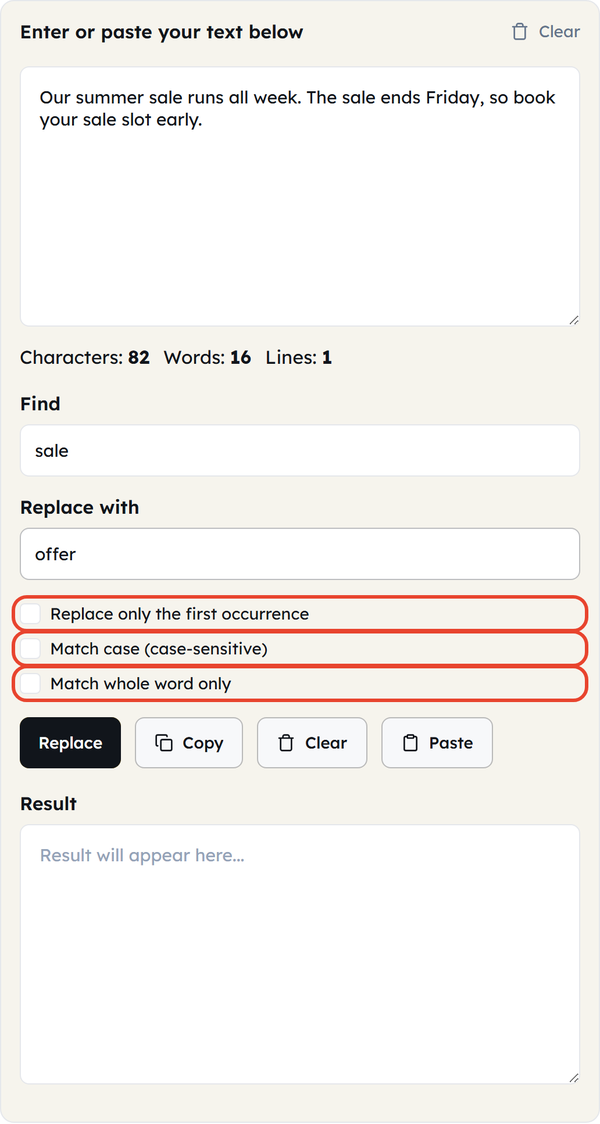
- Turn on any options you need: Replace only the first occurrence, Match case, or Match whole word only.
- Click Replace to see the updated text in the Result box.
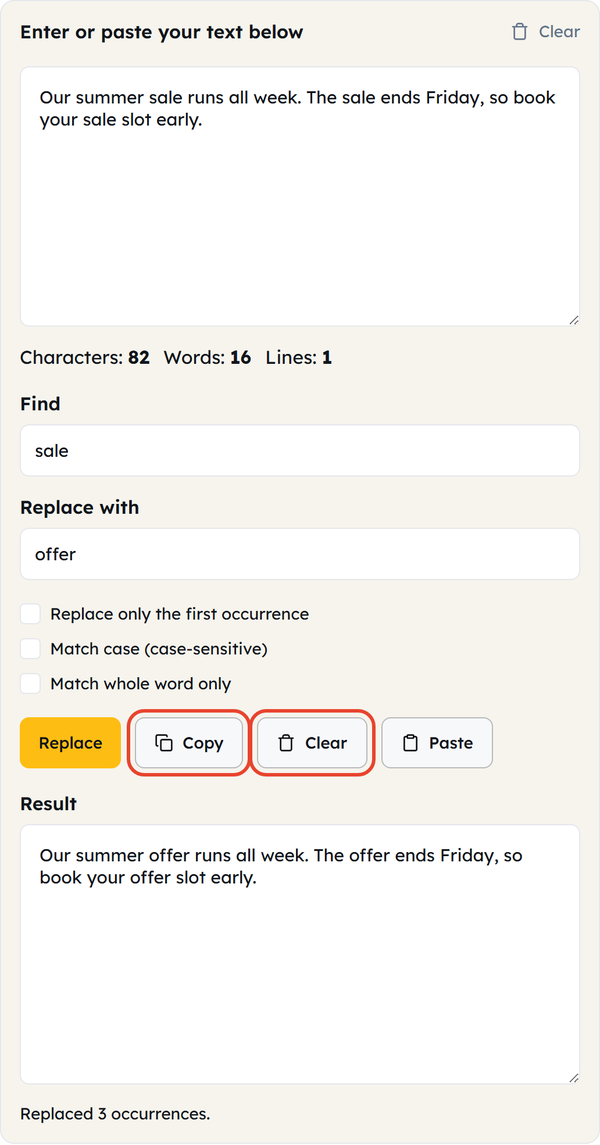
- Click Copy to copy the Result, or Clear to empty every box and start again.
What Is Find and Replace?
Find and replace is a text-editing function that locates every instance of a word or phrase and swaps it for something else in one pass, instead of one match at a time. It is the same function you get in a word processor or code editor, running in the browser so you can clean up any block of text without opening one.
The three checkboxes control how strictly the tool matches your search term:
| Option | What It Does |
|---|---|
| Replace only the first occurrence | Replaces the first match only and leaves every later match untouched. |
| Match case (case-sensitive) | Only replaces text if the uppercase and lowercase letters match perfectly. For example, “Sale” will not alter “sale” or “SALE.” |
| Match whole word only | Skips partial matches inside longer words. Searching “cat” won’t touch “category” or “scattered.” |
When to Use Find and Replace
- Updating a company name, product name, or price that changed across a long document
- Correcting the same error or misspelled word throughout text.
- Replacing placeholders such as [Client Name] with real details in a template
- Standardising spelling across a draft — “email” everywhere instead of “e-mail”
- Removing a word or phrase entirely by replacing it with nothing
- Cleaning up copy-pasted content that carried over inconsistent phrasing
Best Practices: Find and Replace Do’s and Don’ts
| Do | Don’t |
|---|---|
| For short words, turn on Match whole word only to avoid partial matches. | Skip proofreading. Automated text swaps can result in awkward grammar. |
| Turn on Match case when capitalisation has to match. | Hit Clear before you have copied the Result — it empties every box and there is no undo. |
| Tick Replace only the first occurrence when you only need to fix one instance. | Ignore spacing — a stray space in the Find box stops it matching. |
Things to Know Before You Start
- This tool matches literal text, not patterns. It does not support regex, so it cannot match “any number” or “any word starting with X”.
- Matching is case-insensitive unless you turn on “Match case,” so “Email,” “email,” and “EMAIL” are all treated as the same search term by default.
- Matching runs on the exact text you type, spaces included — a trailing space in the Find box only matches a trailing space in the text.
- Replace writes to the read-only Result box and leaves your original text in the input box, so nothing is overwritten. Clear empties both boxes and there is no undo, so copy the Result before you clear it.
- The box also keeps a live Characters, Words and Lines count above the Find field, so you can see what the replacement did to the length.
Frequently Asked Questions (FAQs)
Does this tool support regular expressions (regex)?
Is the search case-sensitive by default?
No. Matching ignores capitalization unless you turn on the “Match case” option.
Can I replace a word with nothing to delete it?
Yes. If you leave the “Replace with” field empty, all occurrences of your search term will be deleted.
Will this replace text inside HTML tags or code?
It will replace all matching plain text, even within code or markup, as it doesn’t distinguish between code and regular text. When editing code, check the output carefully.
Is my text uploaded or stored anywhere?
No. The find and replace happens in your browser; nothing is sent to a server or saved.
Is there a maximum limit for text?
No. Paste a sentence or several pages — the tool processes it instantly.