
Calculate the number of days between the start date and end date, taking into account leap years and the different lengths of months. This calculator will do this automatically and also display the answer in weeks and years.

Date Difference
Find how much time lies between two dates, in days, weeks, and years.
Calculating the time between two dates can be surprisingly difficult because months have different lengths and leap years add an extra day. Whether the end date is included can also change the result. This date difference calculator is the quickest way to count days between dates without a calendar in front of you: type in a start date and an end date, and it returns you the difference (in days, weeks, and years), taking into account leap years.
How to use the Date Difference Calculator
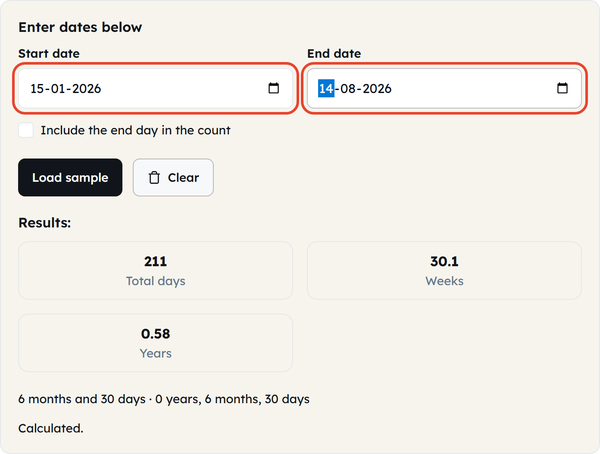
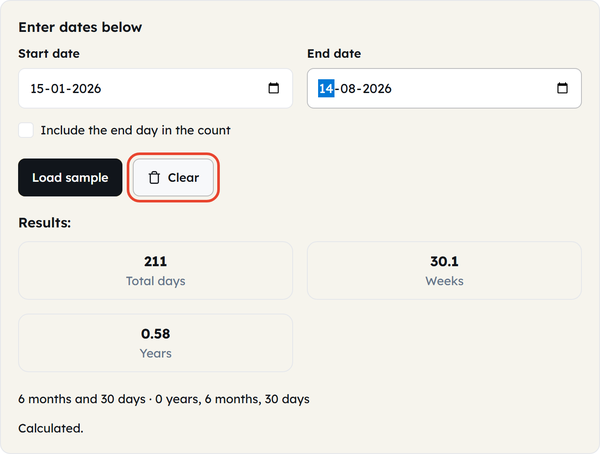
- Enter a start date and an end date. You can enter the dates in either order; the calculator calculates the absolute difference between them.
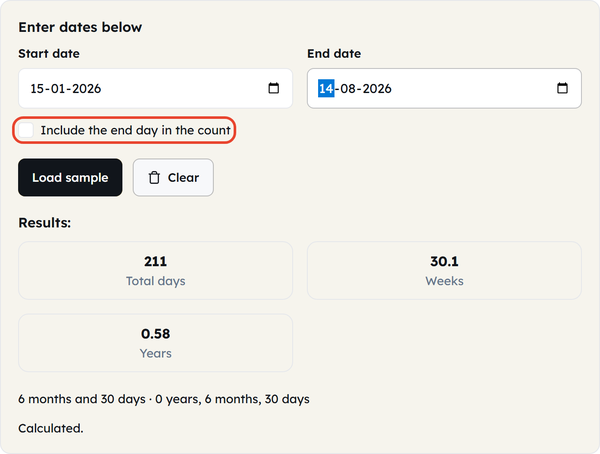
- Use the toggle to choose to count the end day or not. This is one day less, one day more, so choose which is appropriate based on what you are trying to measure (See “What is” below to see when each is correct).
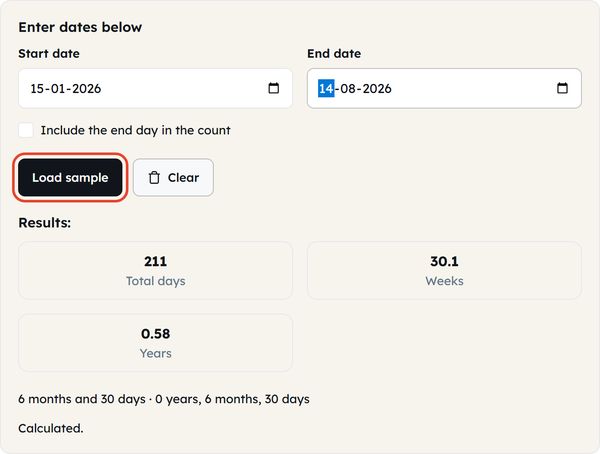
- If you wish to see the calculator in action with sample dates before entering the dates of your own, click Load sample.
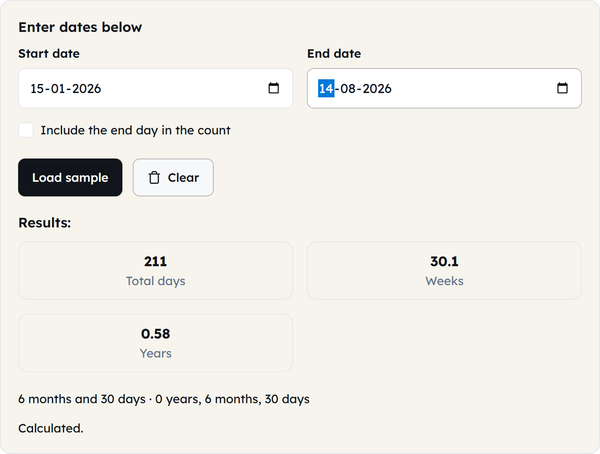
- Read the result:View the total difference in days, along with equivalent values in weeks, months, and years.
- Click Clear to reset both fields and start a new calculation.
What is a date difference calculator?
A date difference calculator is a tool designed to determine the exact length of time between two dates on the calendar, without having to manually count days, weeks and years across the months of varying lengths. There are two points that truly impact the accuracy of the result and should not be overlooked:
- Leap years: Every 4 years or so, an extra day (29th of February) is added to the calendar, called a leap year. If you are counting days between the February 29ths, it is automatically calculated — manual counting over a longer period of days is unreliable when it comes to counting the 29ths.
- Inclusive vs. exclusive counting: This is the one thing that is most frequently the cause of an “off by one” result. When measuring the difference in dates (days until deadline, etc.), the end date is usually excluded. If you are working with a span of time which includes both the beginning and the end (e.g., number of nights spent in a hotel, number of days spent working from a given start date to an end date listed in the dataset), you need the end date to be included. This Calculator includes a toggle to enable you to select either, instead of assuming which one the tool uses.
When you’d use this
Counting down to a deadline, event or trip; working out the length of a stay, rental period or a project timeline from a start to end date; checking the length of service or tenure of someone between two dates; checking the number of days elapsed since some event; verifying a date range quoted in a contract, invoice, or booking confirmation before relying on it.
Dos and Don’ts
Do:
- The two questions are similar but the toggle setting is different: Measure a gap (exclude end day), or measure a span (include end day).
- If cross-checking with a manual calculation, double check for date ranges that cover February in a leap year, as manual counting is where this is likely to be miscounted.
- The weeks and years figure can be used to get off to the correct scale quickly, before counting the days.
Don’t:
- The term “days between two dates” is always interpreted the same way, it is not a convention, and sometimes one tool may return a different answer.
- Don’t use ambiguous date formats when comparing dates manually. Formats such as 03/04/2026 can mean different dates depending on the region. Use a clearly defined date format or the date picker whenever possible.
- Don’t worry about the total number of days not matching with the number of weeks unless it is a multiple of seven — it’s all part of the game and the number of days is the remainder.
Good to know
The most common example of a manual day count that would be incorrect over a longer period is the extra day that is added as a result of a Leap year in the total count, which is a February 29th. The “Include end day” option can be more significant than it appears: when you choose this option, every result will be shifted by exactly 1 day, which can be very important if you’re considering billing periods or contractual date ranges, etc. If you’re not interested in a general range, but want to know someone’s age, check out the Age Calculator on this site, which operates off the same date math but has been developed with birth dates and birthday countdowns in mind. All of the following functions locally in your browser, what dates you enter will never be sent or stored anywhere.
FAQ: Date Difference Calculator Questions
How do I calculate the number of days between two dates?
What does “include the end day” mean?
Whether the last day counts toward the total or not. It excludes it and counts only the full days between the two dates, including it adds one to the count, this is important for data such as the number of days spent in a facility or the duration of an event.
Does this calculator account for leap years?
Yes. Leap years (in which February has an additional day) are automatically accounted for in the calculation when 29 February is included in the range of dates.
Can I calculate the difference between a past date and a future date?
Yes. You can enter any two dates in any order—the calculator will display the total time between them, even if those dates are in the past or future.
Why do my days and weeks totals not divide evenly?
A total day count will only be divisible in whole weeks if it is a multiple of seven. The weeks figure listed is normally the number of full weeks, days are recorded either separately or as a decimal.
Are the dates I enter stored or sent anywhere?
No. All the calculation takes place in your browser, and no dates are sent or remembered.
Related Tools

Password Strength
Score password strength and spot weak patterns.
- 100% Free
- Customizable
- Download
- Unlimited

Percentage Calculator
Calculate percentages, increases, and decreases.
- 100% Free
- Customizable
- Download
- Unlimited
Age Calculator
Find exact age in years, months, and days.
- 100% Free
- Customizable
- Download
- Unlimited

BMI Calculator
Compute body mass index from height and weight.
- 100% Free
- Customizable
- Download
- Unlimited

EMI Calculator
Estimate loan EMI, interest, and total payable.
- 100% Free
- Customizable
- Download
- Unlimited

Discount Calculator
Find sale prices and savings in seconds.
- 100% Free
- Customizable
- Download
- Unlimited