
They carry the same color information — HEX as a six-digit hexadecimal code, RGB as three numbers from 0 to 255 for the red, green and blue channels. Browsers and CSS accept both, so to convert HEX to RGB you are only rewriting the same value, not changing the colour it describes.

Color Converter
Convert colors between HEX, RGB and HSL with a live preview.
The same color can be written several ways — HEX in CSS, RGB in code, HSL when you want to nudge brightness or saturation — and different tools, platforms and teams each prefer a different one. This HEX to RGB converter takes any HEX, RGB or HSL value and returns the other two formats, with a live preview so you can see the exact color you are working with.
No uploads, no sign-up, and no waiting — simply paste a value and all formats are updated in real time, ready to copy into your stylesheet or design tool of choice.
How to Use the Color Converter
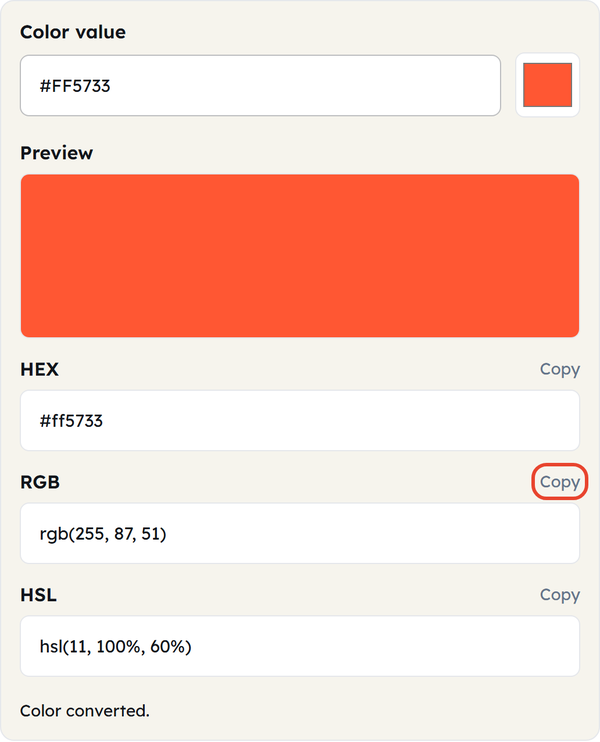
- Type or paste a color into the Color value box — HEX (#FF5733), RGB (rgb(255, 87, 51)) or HSL (hsl(11, 100%, 60%)). The # is optional, and 3-digit shorthand such as #f53 works too.
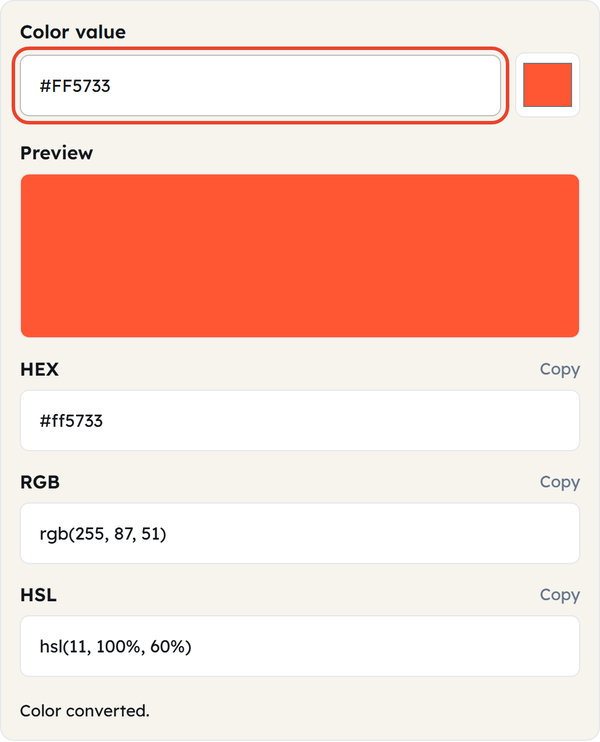
- Or click the color square beside the box to pick a shade visually — the field fills itself in.
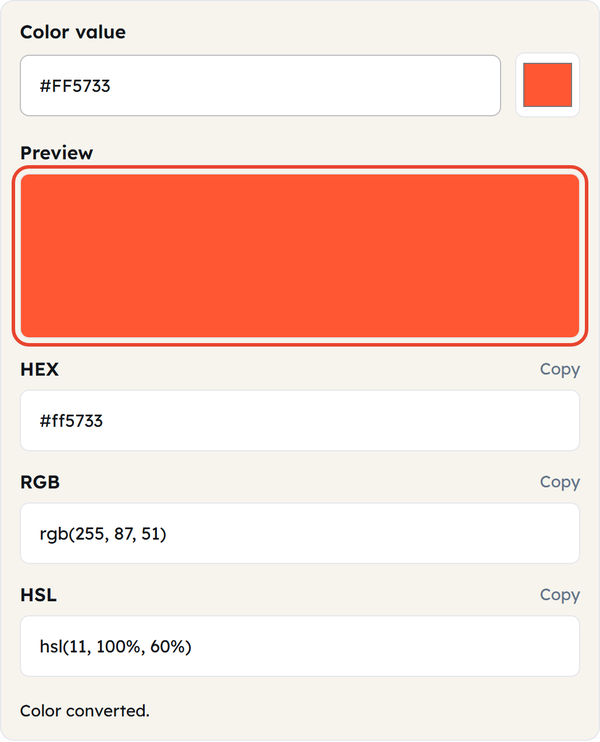
- The Preview panel shows the color at full size so you can check it before you use it.
- The other two formats convert as you type — there is no separate convert button.
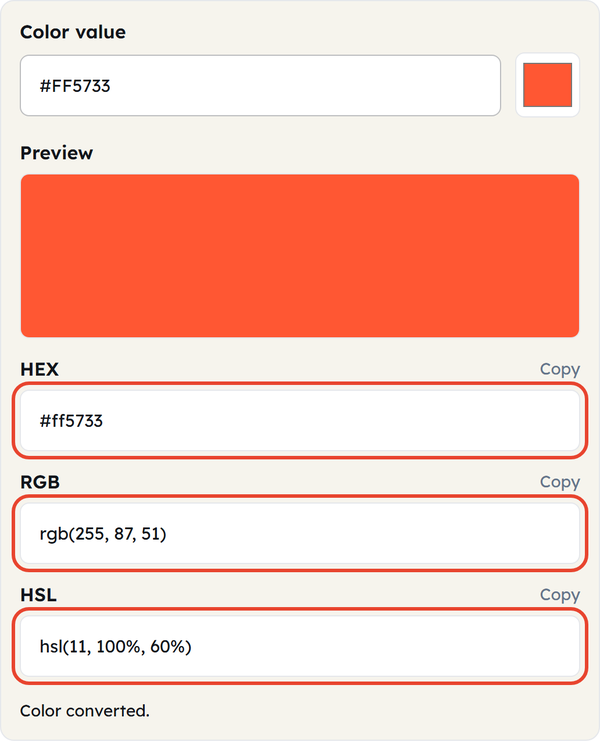
- Click Copy beside HEX, RGB or HSL to put that value on your clipboard.
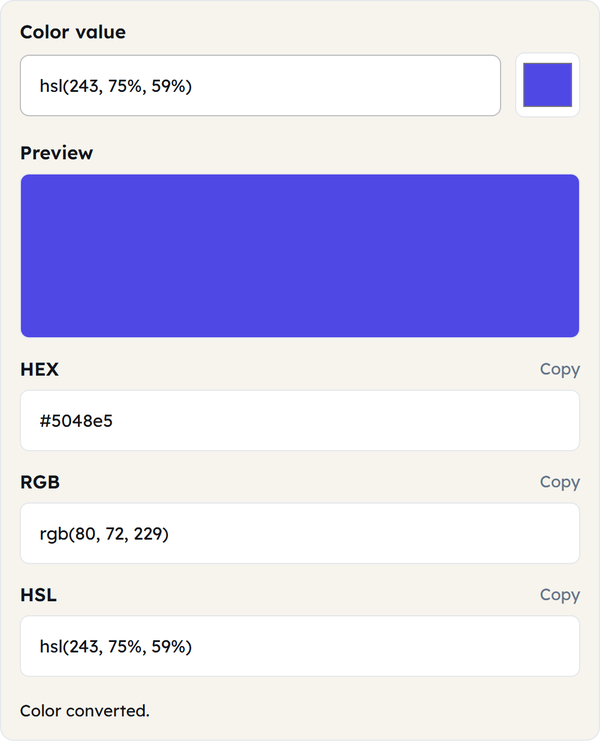
- Change the input at any time and every field updates instantly.
Everything runs in your browser, so conversions are instant and your color values are never sent anywhere.
What Is a Color Format?
- HEX: a six-digit hexadecimal code written after a #, in three pairs that set the red, green and blue intensities (00-FF). Compact, and the standard in CSS and HTML; the 3-digit shorthand #f53 expands to #ff5533.
- RGB: the same three channels as decimal numbers from 0 to 255, e.g. rgb(255, 87, 51). It is the additive color model screens use, mixing red, green and blue light to make every other color.
- HSL: hue (0-360°), saturation (0-100%) and lightness (0-100%). Easier to reason about than RGB — you can lighten or mute a color without recalculating all three channels.
- All three describe the same color in different notation; switching between them changes how it is written, not the color itself.
- The sRGB space that HEX and RGB describe holds about 16.7 million colors — 256 possible values on each of the three channels.
When You’d Use This
- Converting a HEX value to RGB (or back) for a CSS property or a browser fallback.
- Adjusting the brightness or saturation of a brand color in HSL, then converting back to HEX for the stylesheet.
- Moving a color between a design tool (usually RGB) and code (usually HEX).
- Checking that a color you picked by eye matches the exact HEX in the brand guidelines.
- Comparing the same color across formats before running contrast-ratio or accessibility checks.
- Working with a team where some people write RGB and others write HEX or HSL.
- Checking what a value actually looks like before you commit it to code.
Worked Example
Input: #FF5733 → RGB: rgb(255, 87, 51) → HSL: hsl(11, 100%, 60%). All three are the same orange-red, which is what converting a HEX color to RGB actually does — it renames the value rather than altering it. FF is 255 (full red), 57 is 87 (moderate green) and 33 is 51 (low blue) — exactly the RGB values. HSL describes that same color as a hue angle with percentages instead of channel intensities.
HSL is rounded to whole degrees and percentages, so converting #FF5733 to HSL and straight back returns #FF5833 — one step off, and normal.
Color Conversion in Code
JavaScript — HEX to RGB
function hexToRgb(hex) {
  const r = parseInt(hex.slice(1, 3), 16);
  const g = parseInt(hex.slice(3, 5), 16);
  const b = parseInt(hex.slice(5, 7), 16);
  return { r, g, b };
}
hexToRgb("#FF5733"); // { r: 255, g: 87, b: 51 }
JavaScript — RGB to HEX
function rgbToHex(r, g, b) {
  return "#" + [r, g, b]
.map(x => x.toString(16).padStart(2, "0"))
.join("");
}
rgbToHex(255, 87, 51); // "#ff5733"
Do’s and Don’ts
Do
- Use HEX in CSS and HTML — it is the format those languages expect.
- Use HSL when you need to change brightness or saturation without shifting the hue.
- Include the # when you paste a HEX value into code — this converter accepts it without, but CSS does not.
- Check the Preview panel is the color you meant before you copy the value.
Don’t
- Don’t assume a converted color is a different color — only the notation changes.
- Don’t read HSL’s saturation and lightness (percentages) as if they were RGB channels (0-255).
- Don’t send on-screen HEX or RGB values straight to print — printers work in CMYK, and the color can shift in the conversion.
- Don’t type a CSS color name such as tomato or steelblue — this converter takes HEX, RGB or HSL only, and guessing the nearest hex to a named color gets it wrong.
Common Mistakes
- Confusing RGB and RGBA — RGBA carries a fourth alpha value for transparency, and dropping it turns a translucent color fully opaque. This converter takes rgb() only, not rgba().
- Reading HSL lightness like RGB brightness — 50% lightness in HSL isn’t the visual midpoint the way it might seem; very saturated hues can still look bold at 50%
- Skipping the # in HEX codes — this converter accepts FF5733 without it, but CSS does not: a hex code with no # fails silently in a stylesheet.
- Assuming screen color equals print color — RGB and HEX are built for light-emitting screens; printed material uses CMYK ink, which can’t reproduce every RGB shade
Good to Know
- HEX, RGB and HSL all address the same sRGB space — none is more accurate than the others, they just suit different jobs.
- Print work has to go through CMYK, which covers a narrower range than RGB — colors that look bright on screen may not be printable.
- Modern CSS also has wide-gamut spaces such as OKLCH and Display-P3 for newer screens, but HEX, RGB and HSL still cover most web work.
- White is #FFFFFF / rgb(255, 255, 255) and black is #000000 / rgb(0, 0, 0) — handy values for sanity-checking a conversion.
- The HEX output always comes back lowercase, whichever case you typed in.
FAQ
What is the difference between HEX and RGB?
Why use HSL instead of HEX or RGB?
HSL splits a color into hue, saturation and lightness, which makes it far easier to build a lighter, darker or more muted version without recalculating every RGB channel.
Does converting a color change how it looks?
No. HEX, RGB and HSL are three ways of writing the same color, so it looks identical in all three.
Can I convert screen colors to print?
Not exactly. Print uses CMYK, a narrower color model, so some bright screen values cannot be reproduced in ink and need adjusting.
Why does a HEX code need a #?
The # marks the characters after it as a hexadecimal color rather than plain text. CSS and most design tools require it, although this converter will accept a value without it.
How many colors can HEX and RGB describe?
Standard 24-bit HEX and RGB cover about 16.7 million colors — 256 possible values on each of the red, green and blue channels.