
Whitespace, line breaks, indentation and comments — everything the browser does not need in order to apply your styles. It also drops the final semicolon before a closing brace and shortens hex colours such as #ffffff to #fff.
CSS Minifier
Minify CSS instantly and download the result as a .css file.
CSS written for people — indented, spaced out and commented for clarity — carries bytes the browser never needs in order to render the page. A CSS minifier strips all of that back to the minimum the browser actually reads, without changing how anything looks or behaves.
This CSS minifier tool works entirely in the browser, shows the original and minified size with the percentage saved, and lets you copy the result or download it as a .css file.
How to Use the CSS Minifier
- Paste your CSS into the input box, or click Load sample to try it on an example stylesheet.
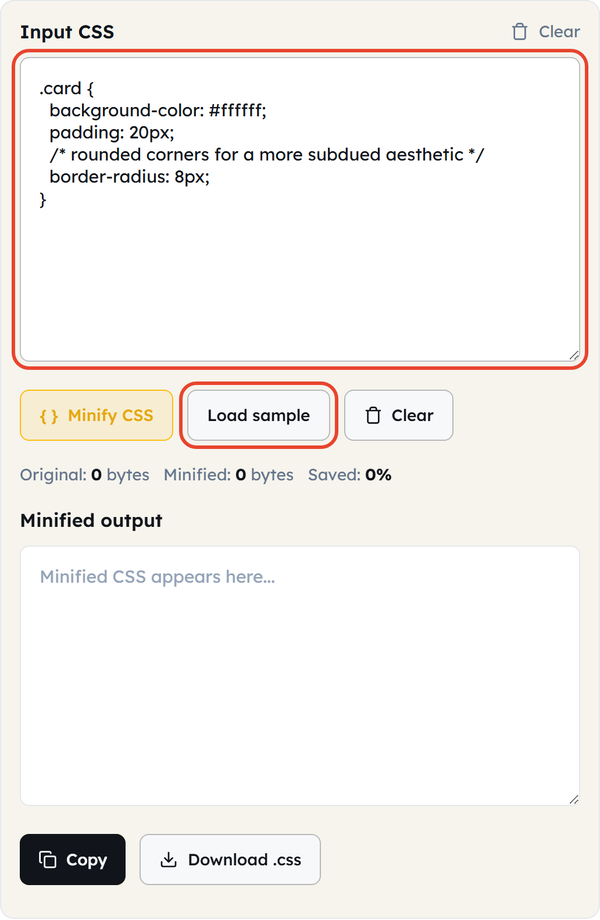
- Click Minify CSS — comments, line breaks, indentation and redundant characters are stripped straight away.
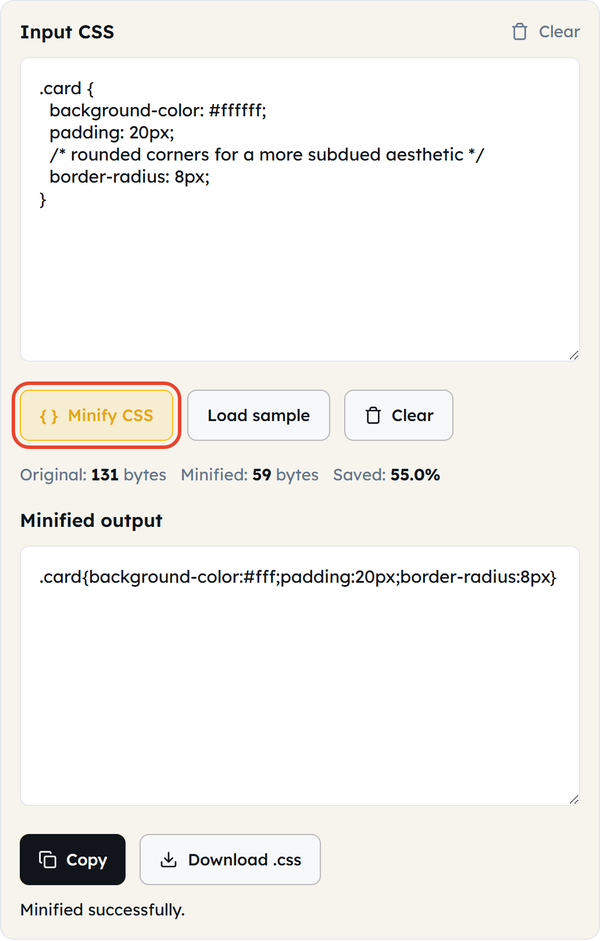
- Read the counters underneath: original bytes, minified bytes, and the percentage saved.
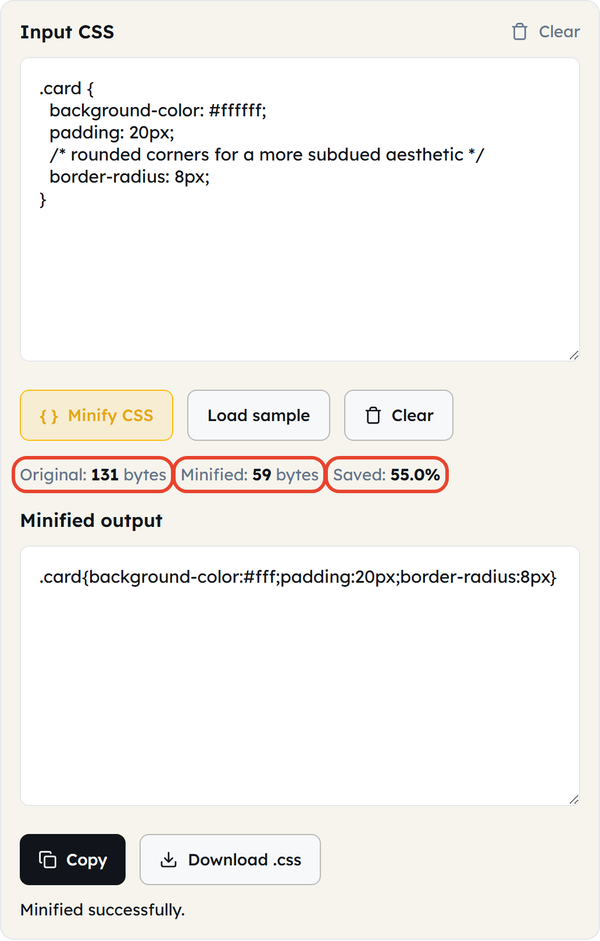
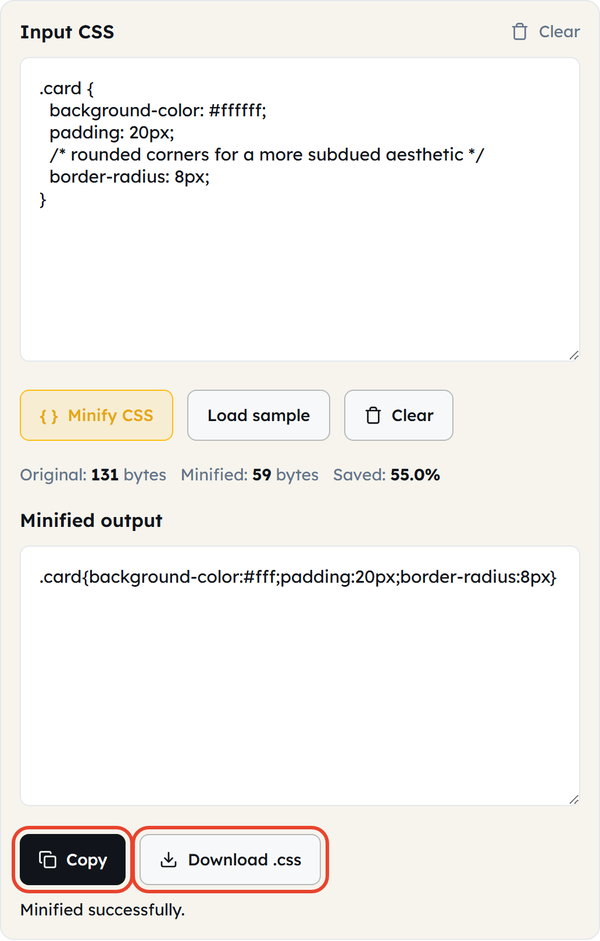
- Click Copy to take the minified CSS, or Download.css to save it as a file.
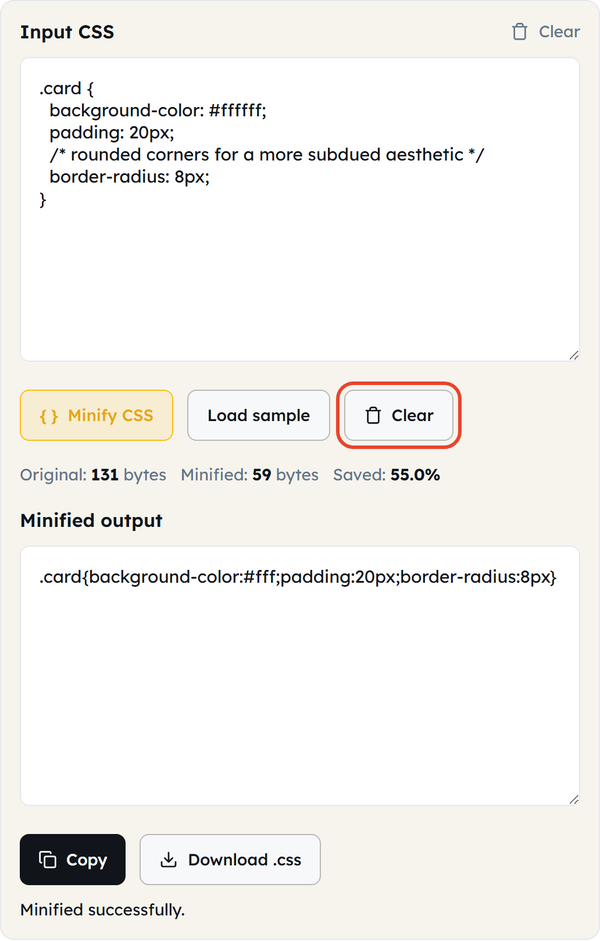
- Click Clear to empty both boxes and start a fresh minification.
Everything runs in your own browser — your CSS is never uploaded to a server.
What Is CSS Minification?
- Stripping out the parts of a stylesheet the browser does not need — whitespace, line breaks, indentation and comments.
- It does not alter the meaning of the CSS rules. It only changes how many bytes are needed to send those rules.
- It usually shrinks a stylesheet by 20 to 40 percent, depending on how much formatting and commenting the original carried.
- The output is normally one dense line — easy for a browser to download and parse, hard for a person to read.
- It is not the same as compression. Minification removes characters from the file; gzip or brotli then compresses whatever is left as it is sent over the wire.
When You Would Use This
- Finishing a stylesheet before the site goes live.
- Cutting page weight for faster loading and better Core Web Vitals scores.
- Saving bandwidth on a high-traffic site where every byte is billed.
- Cleaning up CSS taken from a framework, theme or generator that arrives full of comments and formatting.
- Shrinking inline <style> blocks or external stylesheets before a performance audit.
- Meeting a strict file-size or transfer limit.
- Finishing a build: write and test the stylesheet in a readable form, then minify it last.
Worked Example
Before minification:
.card {
background-color: #ffffff;
padding: 20px;
/* rounded corners for a more subdued aesthetic */
border-radius: 8px;
}
After minification:
.card{background-color:#fff;padding:20px;border-radius:8px}
The comment, the line breaks and the indentation are gone, the last semicolon before the closing brace is dropped, and #ffffff is shortened to its three-digit form. That is 131 bytes down to 59 — 55.0% saved — and the page renders exactly the same.
Minifying CSS in Code
Node.js with clean-css
clean-css is a Node package that minifies CSS inside a build script or on the server.
const CleanCSS = require("clean-css");
const output = new CleanCSS().minify(".card { color: red; }");
console.log(output.styles);
Build Tools
Most modern bundlers (webpack, Vite, Parcel) minify CSS as part of a production build, using a plugin such as cssnano or clean-css. A tool like this one is for everything in between: a quick fix, a one-off file, or a project with no build pipeline.Do’s and Don’ts
Do
- Minify when the site is ready for production, not while you are still developing.
- Keep the unminified, commented file as your working copy.
- Combine minification with gzip or brotli compression on the server for the largest reduction.
- Re-minify from the source whenever it changes, rather than hand-editing the minified output.
Don’t
- Edit minified CSS directly — it is hard to read and easy to break.
- Minify CSS that still has bugs in it. Debug first, minify last.
- Expect minification alone to fix performance — pair it with image optimisation, caching and compression.
- Delete your source.css files after minifying; you will need them for the next edit.
Common Mistakes
- Losing the readable source file — if the minified output is the only copy left, every future edit is painful.
- Minifying too early, then trying to debug the minified code.
- Assuming minification replaces server compression. The two do different jobs, so skipping gzip or brotli on top leaves further savings on the table.
- Assuming minification cleans up bad CSS. It only removes formatting — redundant or conflicting rules still have to be cleared out by hand or with a linter.
Good to Know
- Minification and beautification are opposites: beautify while you are writing and debugging, minify only for production.
- CSS minification is lossless — nothing about how your site looks or behaves changes, only the file size.
- Typical savings are 20 to 40 percent; heavily commented or deeply formatted stylesheets save more.
- Minification plus gzip or brotli on the server usually gives the biggest reduction of all.
- Delivering CSS faster helps First Contentful Paint, which feeds into both user experience and search rankings.
Frequently Asked Questions
What does CSS minification actually remove?
Will minifying break my site?
No. Done properly it is lossless: the appearance and the behaviour stay exactly the same, and only the file size changes.
How much smaller does a minified CSS file get?
Usually 20 to 40 percent smaller, depending on how much whitespace and commenting the original file was carrying.
Is minifying the same as gzip compression?
No. Minification removes characters from the file itself; gzip and brotli compress whatever is left while it is being transferred. Using both together is the most effective.
Should I minify CSS while I am still developing?
No. Work in the readable source file and minify at the end, just before you deploy.
Can I edit CSS after it has been minified?
You can, but it is awkward and easy to get wrong because none of the formatting survives. Edit the source file instead and minify it again.