
The core set is <, >, &, ” and ‘, because each has a special meaning in HTML markup. This tool also converts non-ASCII characters to numeric entities, so ñ becomes ñ and © becomes ©.

HTML Encode / Decode
Encode text to HTML entities or decode entities back to text.
What the HTML Encoder Does
A handful of characters carry a special meaning in HTML, so they have to be written as entities whenever you want them shown as literal text rather than treated as markup. This HTML decoder and encoder converts plain text into safe HTML entities, and back again, so code snippets, user input and special characters do not break the page.
No uploads and no waiting: whether you HTML encode online or HTML decode online, it converts as you type, in your browser.
How to Use the HTML Encoder / Decoder
- Choose a direction: Encode turns raw characters into HTML entities, Decode turns entities back into readable text.
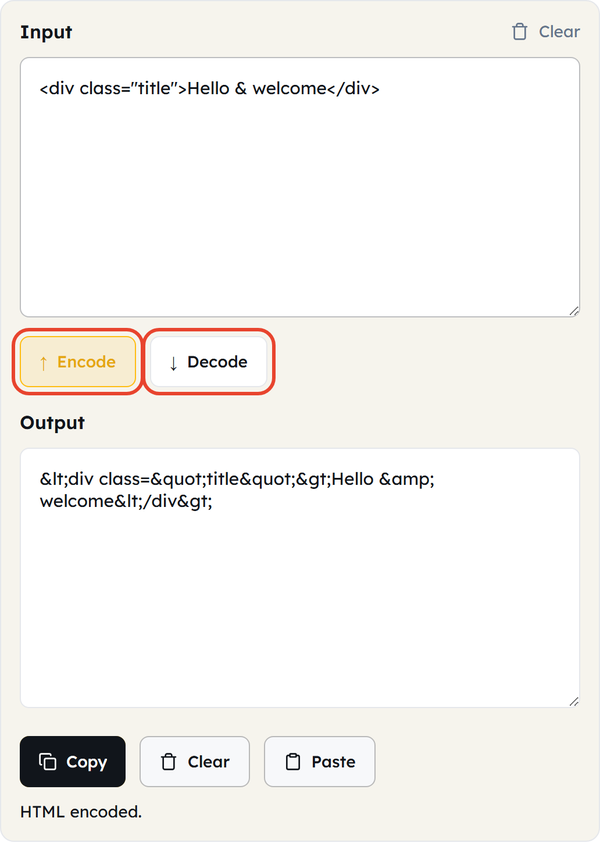
- Type or paste your text into the Input box.
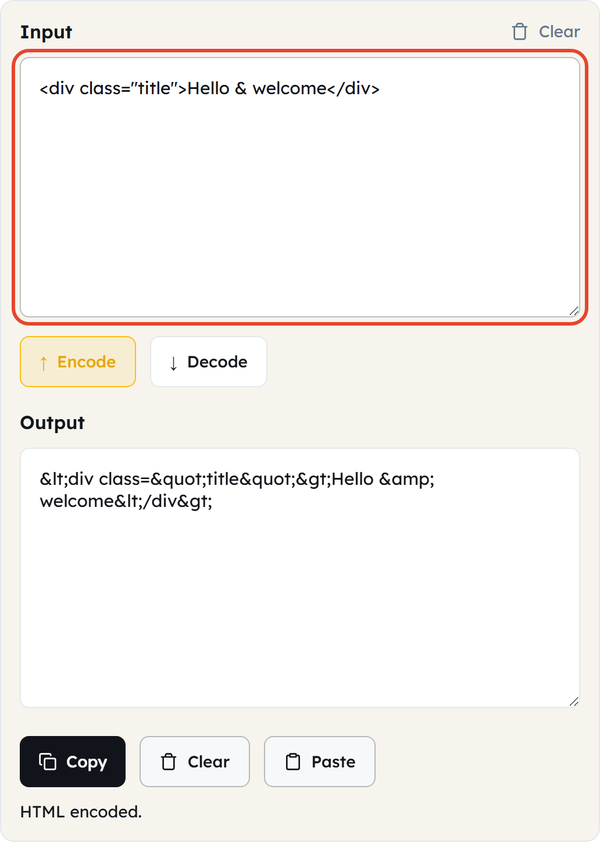
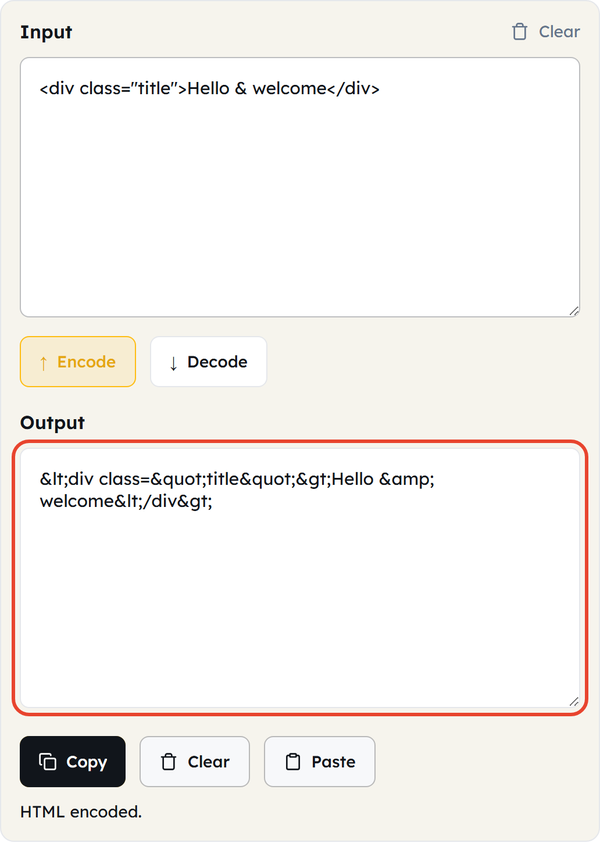
- The Output box updates as you type, so encoding needs no extra click — press Encode or Decode when you want to switch direction.
- Click Copy to take the result, or Paste to pull text in from your clipboard.
- Click Clear to empty both boxes and start again.
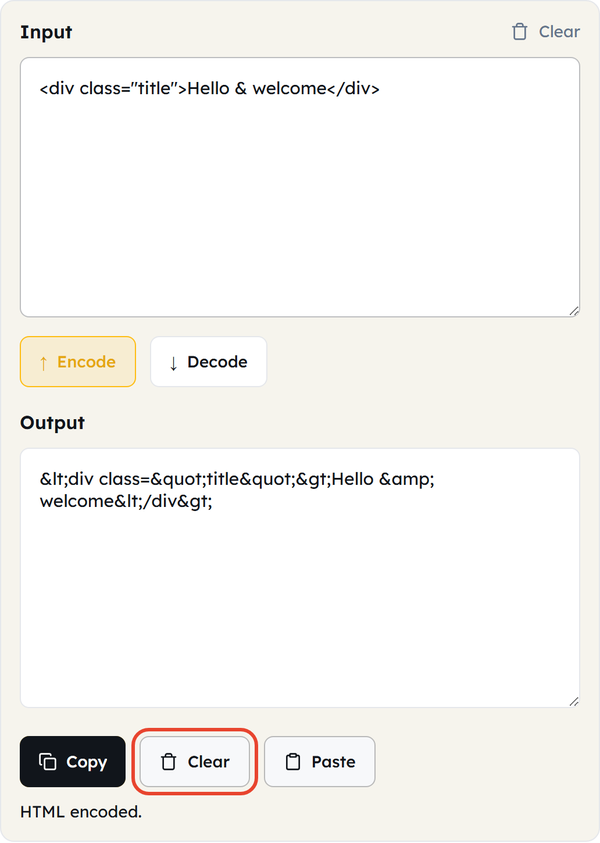
Everything runs in your browser; nothing is uploaded or stored.
What Is HTML Encoding?
- Converting characters that have a special meaning in HTML into a safe character reference — an entity — so the browser shows them as text instead of reading them as markup.
- The characters almost always encoded are < and > (to < and >), & (to &), ” (to ") and ‘ (to ').
- There are two entity formats. Named entities such as & and © are easier to read; numeric entities such as & and © can represent any Unicode character without needing a name of its own.
- Decoding is the reverse: it turns entity references back into the characters they stand for.
- HTML encoding is not the same as URL encoding or Base64. They exist for different jobs — markup, URLs and binary-to-text transport — and using the wrong one means the result will not be read correctly.
When You Would Use This
- Showing code examples or markup on a page without the browser rendering them.
- Preparing user-entered text for display so it cannot run as markup.
- Building RSS feeds or XML documents where special characters have to be escaped.
- Reading entity-encoded text that came back from a web page or an API response.
- Tracking down a page where a stray < or & has broken the layout or is showing as garbled symbols.
- Writing documentation or tutorials that need literal HTML tags shown as text.
- Cleaning up email templates so special characters render the same way in every client.
Worked Example
Input:
<div class=”title”>Hello & welcome</div>
Output:
<div class="title">Hello & welcome</div>
Every <, >, ” and & is replaced by its entity, and Decode puts them back exactly as they started — the round trip is lossless. Accented and symbol characters are converted too, as numeric entities: ñ becomes ñ and © becomes ©.
HTML Encoding in Code
JavaScript
function htmlEncode(str) {
  const el = document.createElement("div");
  el.innerText = str;
  return el.innerHTML;
}
htmlEncode('<div>Hello & "World"</div>');
PHP
htmlspecialchars('<div>Hello & "World"</div>', ENT_QUOTES);Python
import html
html.escape('<div>Hello & "World"</div>')
Do’s and Don’ts
Do
- Encode text submitted by users, or generated dynamically, before it goes into a page — especially anything other people will see.
- Use named entities for the common characters and numeric entities for rarer Unicode ones; it keeps the source readable.
- Check the rendered output whenever the text came from somewhere you do not control.
- Know which escaping the context needs — HTML text, a URL and a JavaScript string are three different rules.
Don’t
- Treat HTML encoding as complete protection. It keeps the markup structure intact, but sanitising HTML properly takes more than escaping.
- Mix up HTML entity encoding, URL encoding and Base64. They solve different problems and are not interchangeable.
- Encode text that is already encoded — run < through Encode again and you get &lt;, which displays as the literal text <.
- Skip encoding because the input looks harmless. Malformed or malicious input is exactly what encoding is there to handle.
Common Mistakes
- Double-encoding — running already-encoded text through Encode again, so < becomes &lt;.
- Assuming encoding equals sanitisation. Encoding escapes characters so they display safely; it does not strip dangerous scripts or validate that the content is safe.
- Encoding for the wrong context — using HTML entity encoding where URL encoding or JavaScript string escaping is what the situation actually needs.
- Forgetting the single quote. Some encoders leave ‘ alone, which matters if your attributes are wrapped in single quotes rather than double ones. This tool does encode it, as '.
Good to Know
- HTML-encoding user-entered text is one of the standard defences against XSS (cross-site scripting).
- Named entities read better in source (© against ©), but numeric entities cover any Unicode character, including the many that have no name.
- The encoding is reversible and lossless — nothing is lost on the way back.
- Many template engines escape output automatically (“auto-escaping”), so raw HTML has to be explicitly marked as safe to get past it.
- HTML encoding, URL encoding and Base64 each solve a different problem, and confusing them is a common source of bugs — not only security ones.
Frequently Asked Questions
Which characters does HTML encoding actually convert?
Are HTML encoding and URL encoding the same?
No. HTML encoding escapes characters that have a special meaning inside HTML markup; URL encoding (percent-encoding) escapes characters that are unsafe inside a URL. The formats differ and the two are not interchangeable.
Does HTML encoding protect against every security issue?
No. It closes one big category — content being misread as executable markup — but it is not a full sanitizer. If your application has to accept some real HTML from users, use a dedicated sanitization library as well.
What is the difference between named and numeric entities?
Named entities such as & and © are readable shortcuts for common characters. Numeric entities such as & and © refer to a character by its Unicode code point, so they work for almost any character, named or not.
Can I recover the exact original text by decoding?
Yes. Encoding and decoding are fully reversible here — a round trip through Encode and then Decode returns the original text character for character.