
It is a tool which compares two texts and shows what has been added and removed between them.
Text Diff Checker
Compare two blocks of text line by line and see what was added and removed.
Diff result
0
added
0
removed
Enter text in both boxes to compare.
Tool Flora’s Text Diff tool lets you compare two versions of a text and quickly identify what was added or removed. Paste the original and updated versions into the tool to review their differences without manually checking both texts line by line.
What Is a Text Diff Tool?
Text diff is simply the difference between two texts. A text-comparison tool identifies those differences for you.
How to Use the Text Diff Tool
Tool Flora’s Text Diff tool is easy to use:
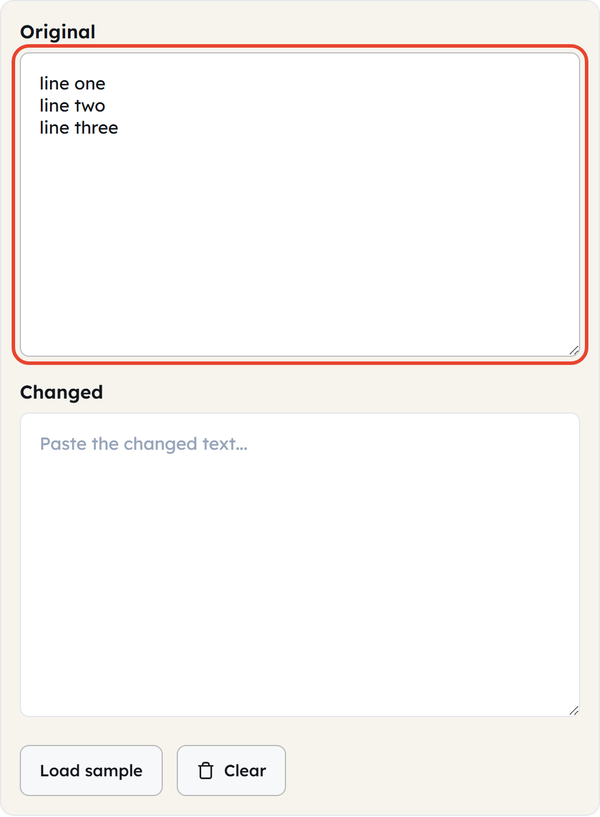
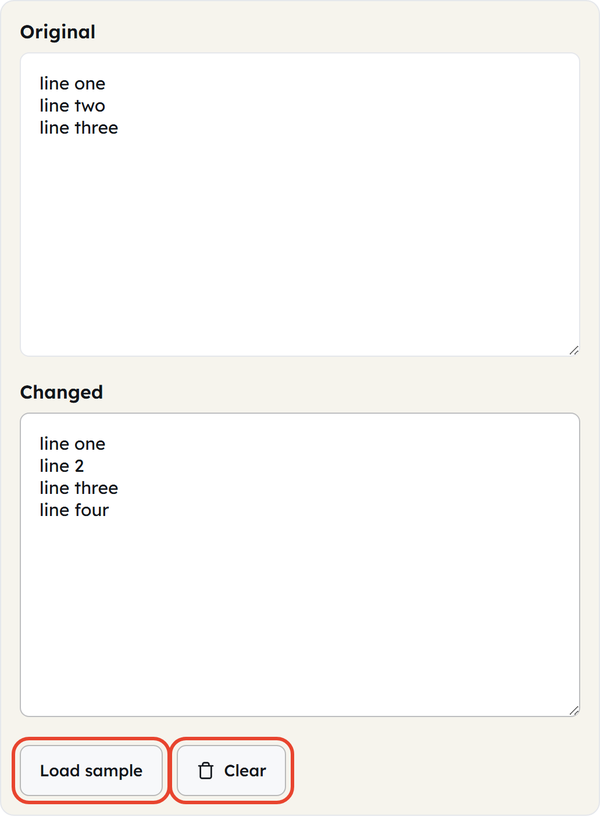
- Paste or type your first version of the text into the Original box.
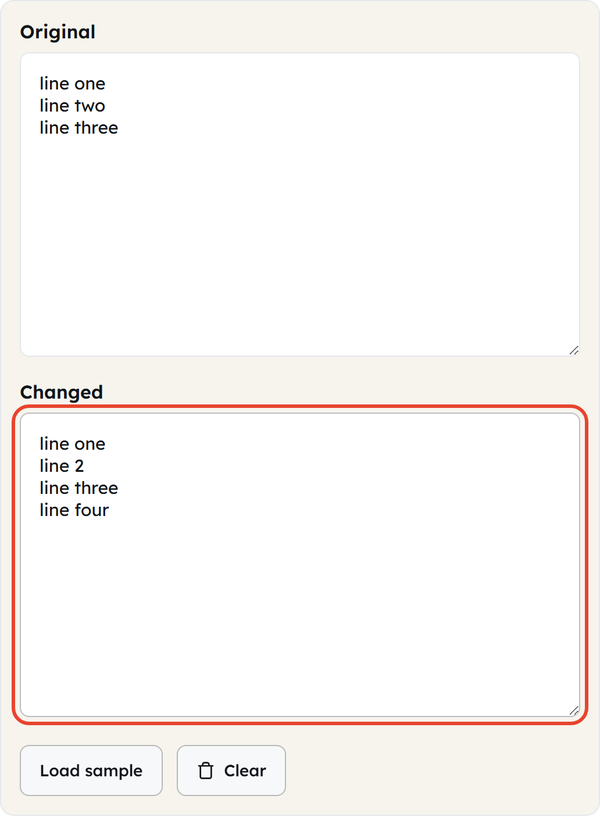
- Paste or type your second version of the text into the Changed box.
- The tool automatically compares the two texts.
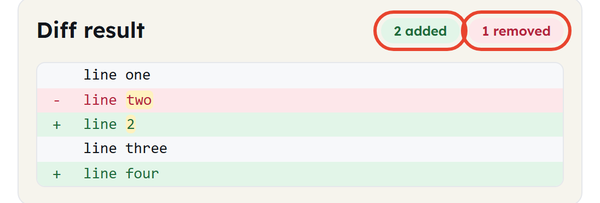
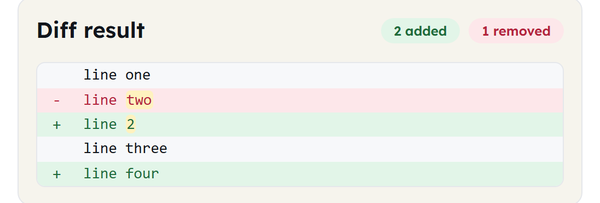
- Review the Diff result section to see the added and removed lines.
- You can click Load sample to see the tool in action with example text, or click Clear to reset both boxes and start a new comparison.
What Does a Text Diff Tool Tell You About Two Texts?
When comparing two texts, Tool Flora’s Text Diff tool allows you to find:
- Added text – lines present in the changed version but not in the original
- Removed text – lines present in the original version but missing from the changed version
- A count of added and removed lines, shown above the diff result
It gives you a clear picture of the differences between the two copies.
Why Use a Text Diff Tool?
Reading two copies of a text to find every difference takes real effort. A Text Diff tool removes that problem. It is useful for:
- Comparing old and new versions of the text
- Checking your editing before publication
- Spotting changes in your document you would otherwise miss
- Finding out how some part of the text was changed from one version to another
- Reducing the time needed for the comparison of your text manually
Use Cases for Text Differencing
For Programmers
If you are a programmer, you may sometimes need to compare two versions of a text file (config files, scripts). Simply copy and paste the two versions into the Text Diff tool on Tool Flora, and it will show you the differences.
For Writers and Editors
Multiple copies of the same document are quite common for writers and editors. Instead of comparing both documents manually, just copy and paste them into the Text Diff tool.
For Content Teams
From time to time, a content team makes modifications across articles or pages. To identify what changed, the team needs to compare the old article or page with the latest version.
Common Text Comparison Scenarios
This list shows you scenarios where two texts should be compared:
- Sentence added to the new version, which didn’t exist in the old one
- Sentence/line deleted in the new version
- Words were replaced inside a line
- Paragraph modified or reorganized
- Both versions appear to be identical, but actually have minor differences
Benefits of Using a Text Diff Tool
- Easily find differences in two texts
- Save the time of comparing two texts manually
- Check revisions more accurately and effortlessly
- See what is added or removed from the text without losing any information
- Compare versions of text effortlessly in one place
Frequently Asked Questions (FAQs)
What is a Text Diff tool?
What is the process for using a Text Diff tool?
Enter your original text and your edited text into the two boxes. The tool then compares them and shows the differences between the two.
How do I compare two texts?
Enter your text in the Original box and your edited text in the Changed box. The tool automatically compares them and shows the differences between the text and its edited version.
Can a Text Diff tool identify deleted text?
Yes — it identifies lines that disappear in the changed text, so deleted text is shown clearly.
Can we compare versions of the texts?
Yes. You can compare any two versions of a text — drafts, notes, or content revisions — and see exactly what changed between them.
Who uses the Text Diff tool?
Anyone. Students, writers, editors, and developers all use it to compare two versions of a text.
Why should I use Text Diff Tool?
It saves time and reduces the chance of missing a difference between two texts — additions and removals are highlighted so nothing slips through.