
Most descriptions stay uncut in the 120–155 character range, but the real limit is the pixel width rather than the character count — which is why this tool measures both.

Meta Description Checker
Check description length, pixel width, and SERP-friendly limits before you publish.
Google does not cut meta descriptions at a fixed character limit — it cuts them at a pixel width. Letters are not all the same size: “i” and “l” take up far less room than “w” and “m”, so two descriptions with an identical character count can end up very different widths on screen. This meta description length checker measures both, so you can see whether yours will be shown in full or trimmed with an ellipsis part-way through.
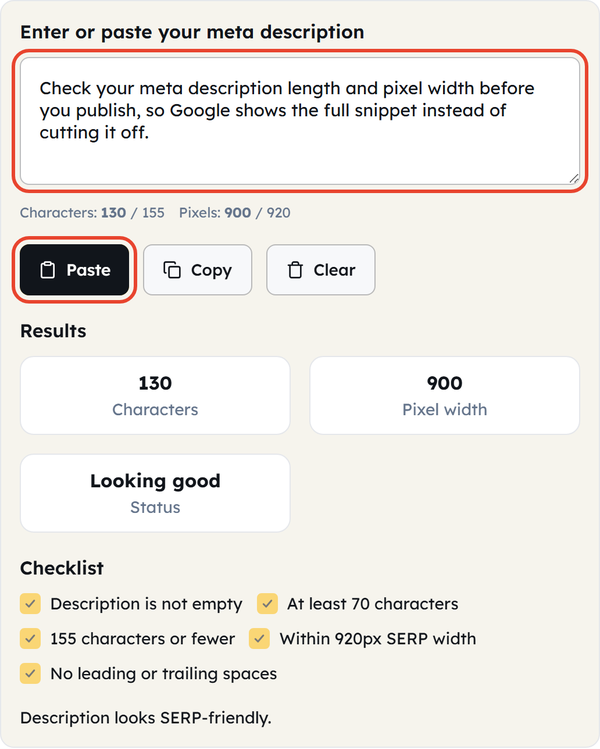
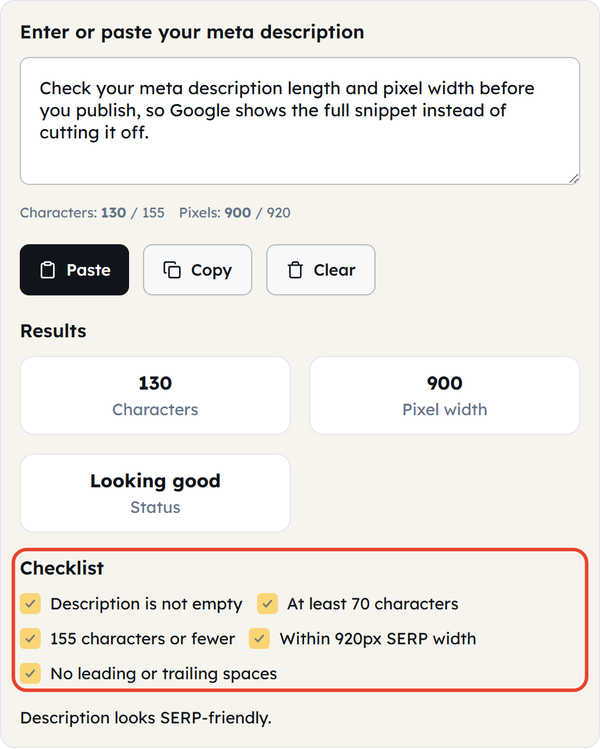
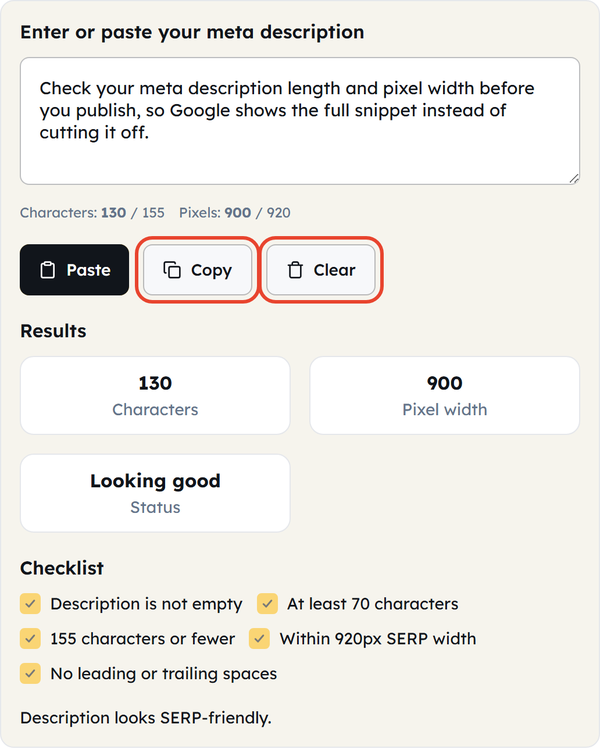
To check meta description length, paste yours into the box above, or click Paste to pull it straight from your clipboard. The tool then checks five things: that the description is not empty, that it is at least 70 characters, that it is 155 characters or fewer, that it fits inside the 920px SERP width, and that it has no leading or trailing spaces.
How to Use the Meta Description Checker
- Paste your meta description into the input field, click Paste to take it from your clipboard, or type it in directly.
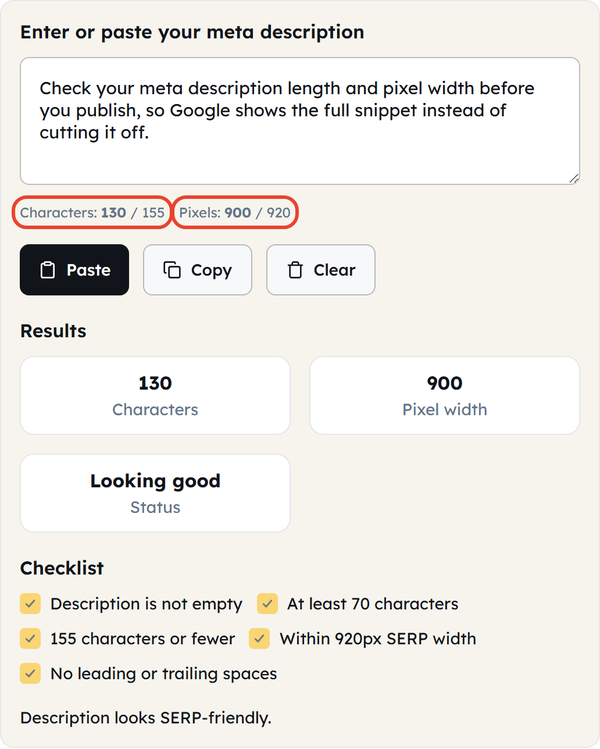
- Watch the character count and the pixel width above the box update as you type.
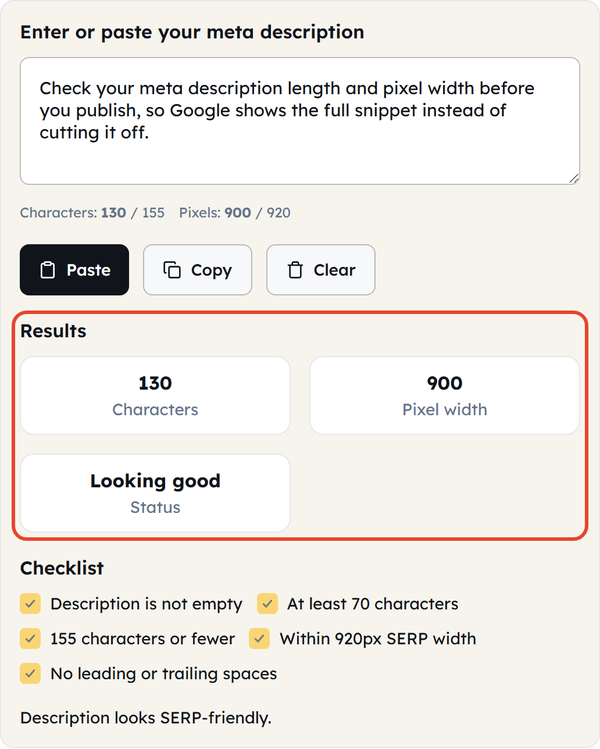
- Read the Results panel underneath: it shows the character count, the pixel width, and an overall status of Looking good, Too short or Too long.
- Work through the Checklist below it. Anything left unticked is a problem worth fixing before you publish.
- Click Copy to copy the finished description, or Clear to empty the box and start again.
Why Character Count Is Not Enough
Most guides still say a meta description should be under 155–160 characters. That is decent general advice, but it is not how Google measures it: snippets are truncated on pixel width, not on character count. A description made up mostly of narrow letters (i, l, t, f) can run past 155 characters and still show in full, while one full of wide capitals and “w”s can be cut well before it.
The Checklist Explained
- Description is not empty — leave the meta description blank and Google will write one for you out of the page content.
- At least 70 characters — anything much shorter wastes the space you are given and looks thin next to the other results on the page.
- 155 characters or fewer — the well-known character limit. It is a conservative target, and still worth hitting even once the pixel width checks out.
- Within 920px SERP width — the measurement that actually decides whether your text is cut. This is the test that catches descriptions which pass the character check but get truncated anyway because their letters are wide.
- No leading or trailing spaces — small, but a stray space at either end can break the way some content management systems output the tag.
Practical Uses
A meta description checker tool earns its place when you are writing the description for a new post, reviewing a page with a low click-through rate, checking a batch of descriptions from a spreadsheet before you bulk-import them into a CMS, or comparing two versions to see which one fits the snippet without losing the point. A meta description check takes seconds and is worth doing before anything goes live. It also earns its keep when you are localising a site, because a translation almost never has the same character-to-pixel ratio as the original.
Frequently Asked Questions
What is the ideal length for a meta description?
Why does Google ignore my meta description and show something else?
Google sometimes rewrites the snippet because it thinks another part of the page answers the query better, or because the description does not match the page closely enough. A well-written description makes it happen less often, but nothing prevents it completely.
Is 920px a fixed number?
It is an estimate based on how Google currently renders desktop snippets. It can shift a little when the layout changes, and mobile snippets are narrower than desktop ones.
Does a long meta description hurt my rankings?
Not directly. Meta descriptions are not a ranking signal. Their job is to earn the click, so a weak or truncated description can cost you traffic even when your position has not moved.
Is my text sent anywhere?
No. Everything runs in your browser — the text you paste in is never uploaded, stored or sent anywhere.